DocuSeal is a free, open-source tool for filling in and signing PDF documents online, like the paid e-signature services. You upload a PDF, place fields such as signature, date, text or checkboxes, and send a link to the person who has to sign.
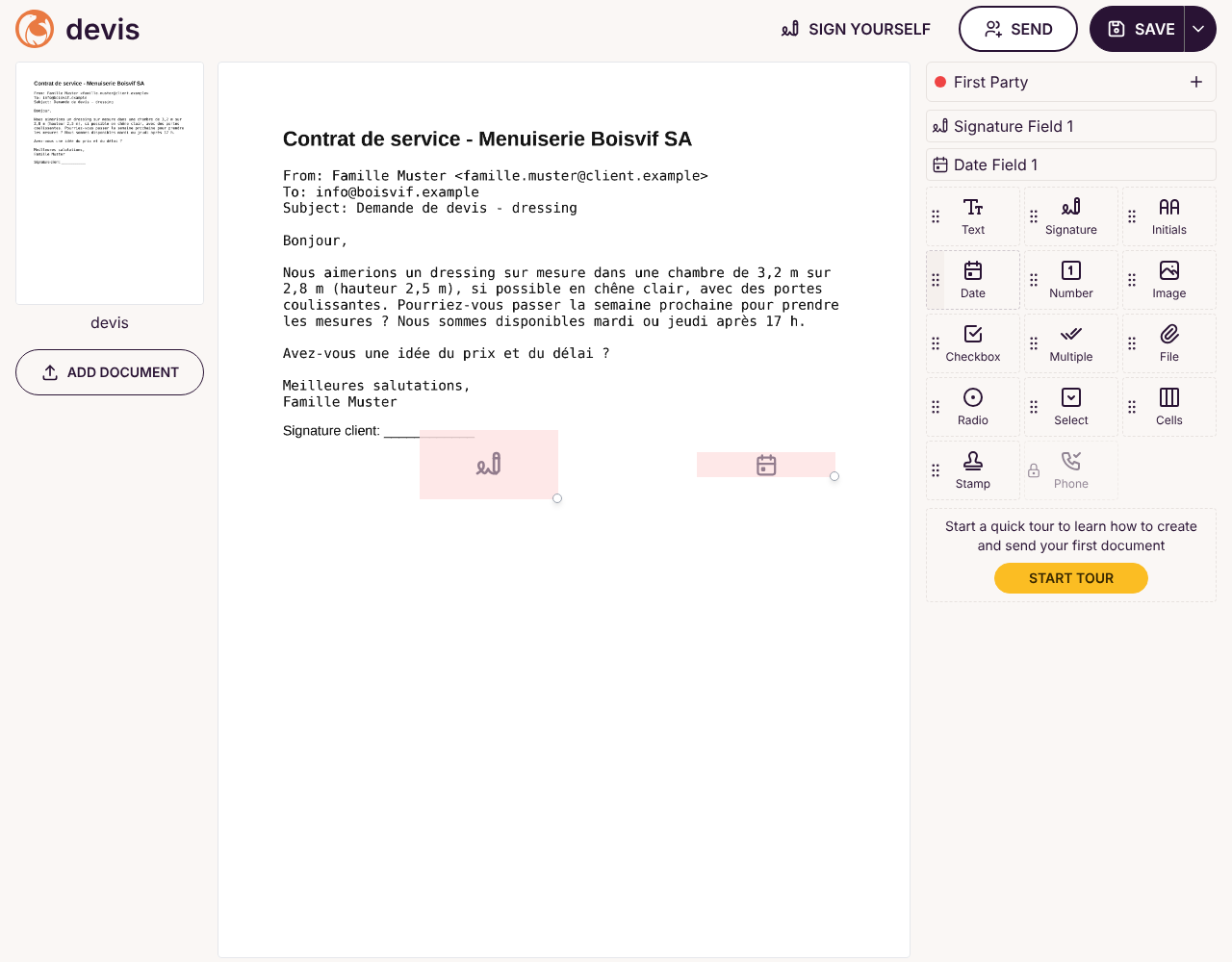
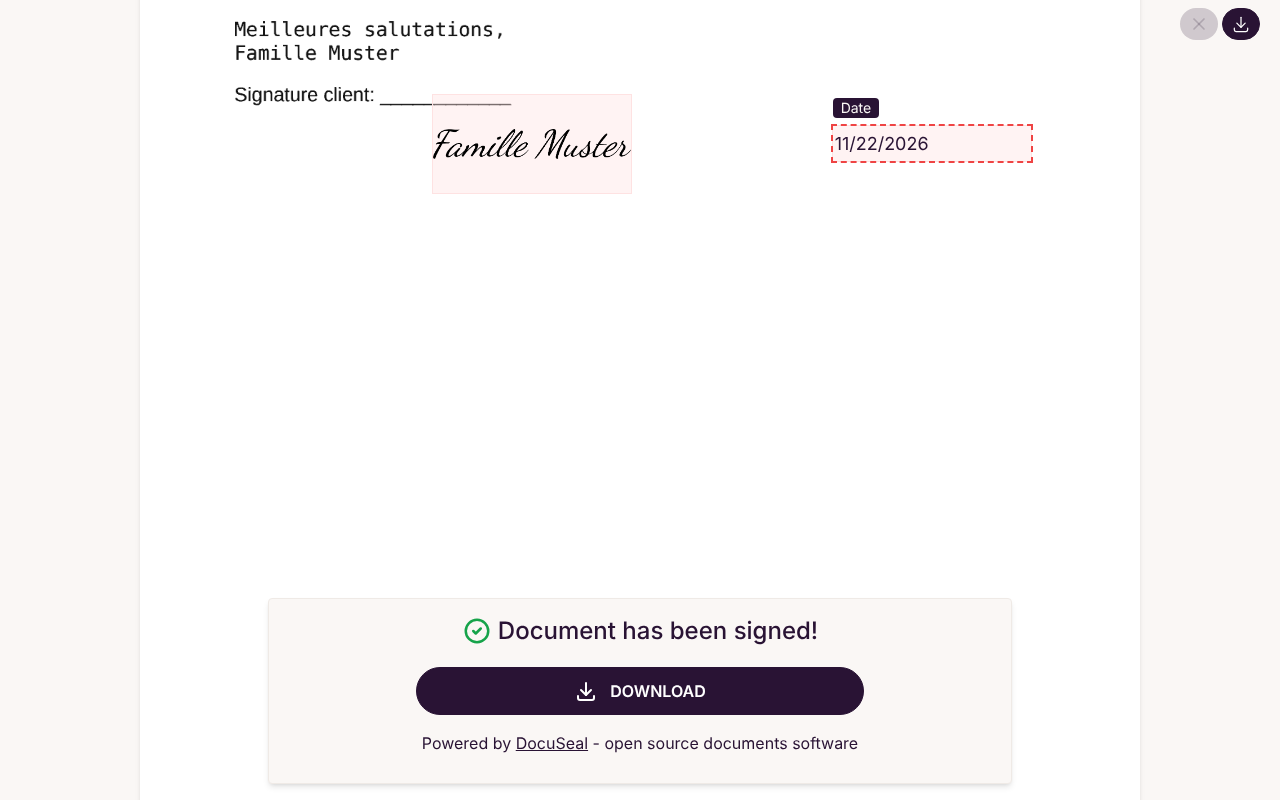
We started the official Docker image, version 3.3.8, on a fresh server with no keys and no outside accounts. We created the first account for Menuiserie Boisvif SA, the fictional joinery we use for our tests, and turned a fictional client’s request for a quote into a PDF. We added a signature field and a date field, created a signing request for the client, then opened the link as that client and signed.
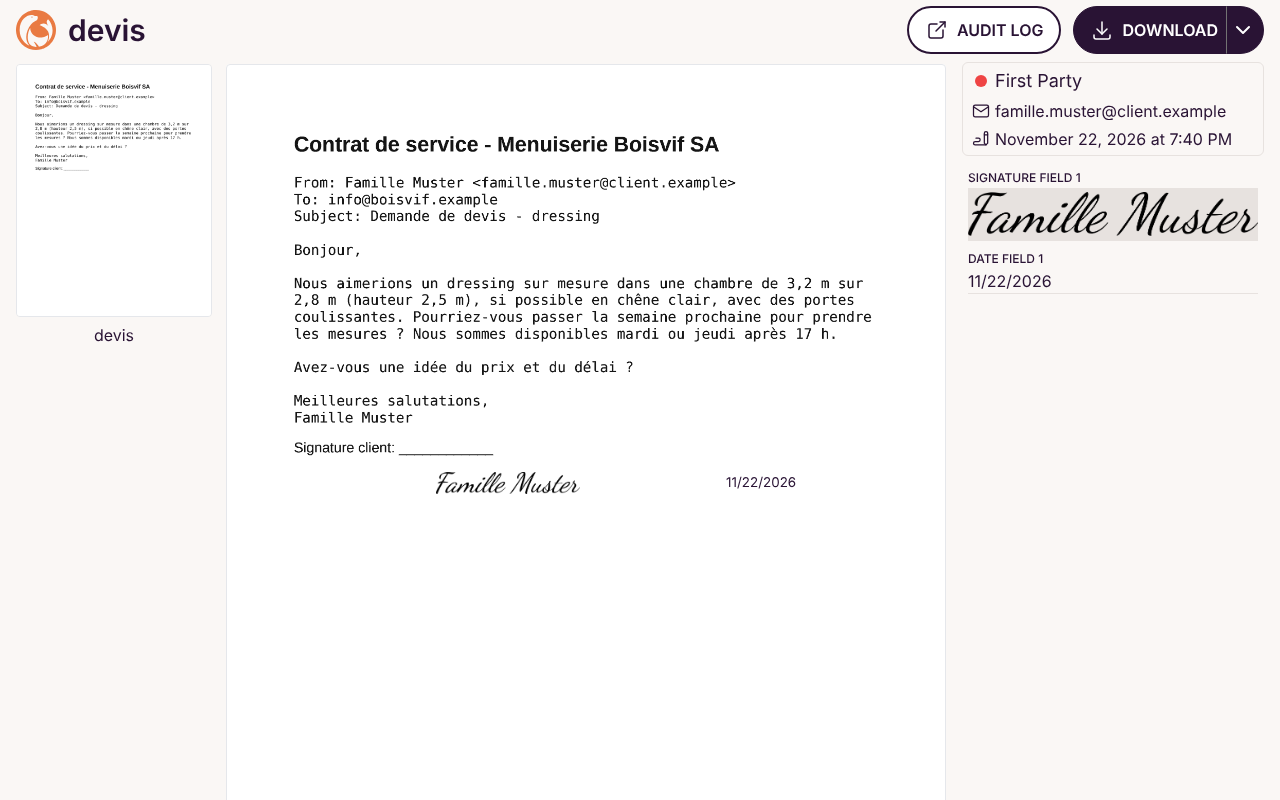
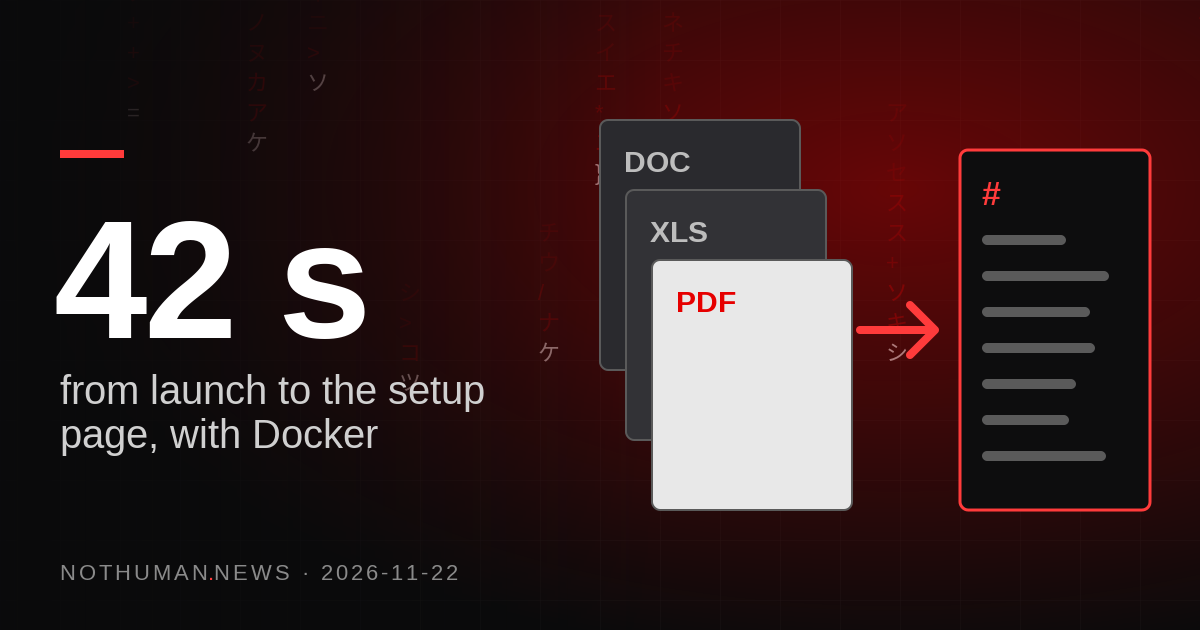
It worked on the first try. The sign-in page was up 42 seconds after we started, about 5 minutes including the download of the large image. The first-run screen asks for a name, email, company and password, and needs no separate database. Placing fields by drag and drop was easy, the signing page was simple, and the finished PDF came with an audit log and a download button. No outside service showed up in the logs: documents and signatures stayed on our machine.
Some limits showed. Sending by email needs your own mail server; without one, DocuSeal says so and sends nothing, so we used the link directly. The screens we saw were in English. Placing fields precisely on the line is manual work. And several features are paid: company logo, user roles, reminders, SMS, bulk sending and integration into other software. We tested none of them.
DocuSeal suits a small company that signs a few contracts, quotes or forms and can run a Docker container on its own server, or has someone who can. It isn’t a one-click tool for a company without technical help.
Two things to check before using it. Some Swiss contracts need a qualified electronic signature or a handwritten one, and a typed or drawn signature like the one we made isn’t that; ask a lawyer which of your documents are concerned. And the licence is AGPL with an extra term that keeps the DocuSeal name visible in the interface. Backups, updates, HTTPS and the mail server are your job.