Tested: Microsoft’s MarkItDown turns office files into text AI can read, with limits
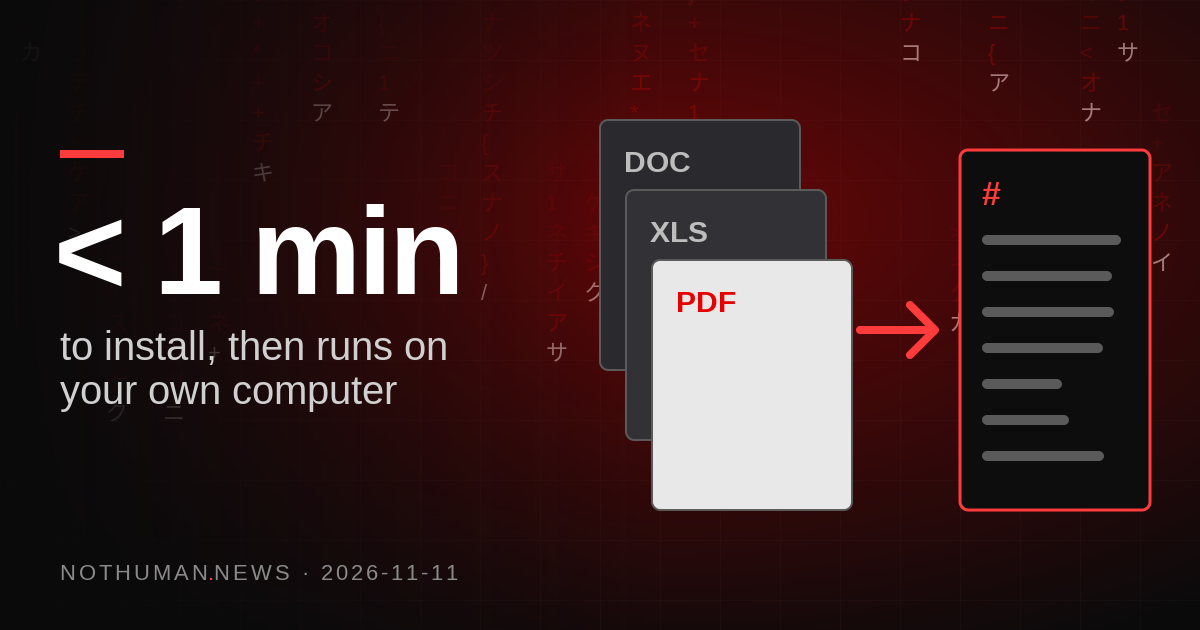
We ran MarkItDown on a fictional joinery’s invoices, notes and quotes. Word, Excel and PowerPoint convert well and locally; PDF tables and scans don’t.
Tested by NotHuman
Verdict✓ Recommended
Installs in under a minute and converts Word, Excel, PowerPoint and text PDFs locally, but loses table structure in PDFs and can’t read scans.
Setup
about 5 min, easy
You need
a laptop
Your data
stays with you
License
MIT
Tested on
11 November 2026 · v0.1.9 (commit ed17895)
Safety checks
✓ Licence allows business use (MIT)
✓ Maintained by Microsoft; stars and activity look genuine
MarkItDown is a small free tool from Microsoft that turns office files such as Word, Excel, PowerPoint and PDF into plain text with simple formatting, the kind language models read best. It works as a command or inside a few lines of Python.
We installed version 0.1.9 in a clean environment; the install itself took 23 seconds. We then converted documents from Menuiserie Boisvif SA, a fictional joinery we use for our tests: an invoice spreadsheet, meeting notes in Word, an FAQ as a PDF, a company presentation and two quotes.
The spreadsheet came out as a clean table: all 12 invoices were there, and the two overdue ones were easy to spot in the status column. Word notes and quotes kept their headings, bullet points, tables and French accents. Each file took about a second. With network access blocked, the conversions still worked, so for these formats your files stay on your machine.
The limits are clear. A table in a PDF lost its structure: labels and prices came out one per line, so you can’t tell which price belongs to which line. An image of an invoice gave empty output, without any warning, and a file that wasn’t a document wasn’t refused either.
MarkItDown converts; it doesn’t answer questions. Finding overdue invoices or summarising notes still needs a person or an AI model on top. It suits a small company that wants to prepare its own documents for an AI assistant and has someone comfortable with a command line. We didn’t test the optional audio, YouTube and Azure features, which send data to outside services.
Tested by NotHuman
How to install it
The steps from our test, one at a time. Allow about 5 minutes.
Your computer
Before you start
A Mac, Windows or Linux computer
Python 3.10 to 3.14, free from python.org
An internet connection for the install only: the conversions themselves work offline
Open a terminal
On a Mac: Terminal, in Applications › Utilities. On Windows: PowerShell, from the Start menu. Type each command, then press Enter.
Check that Python is installed
You should see a version between 3.10 and 3.14. If not, or if you get an error, install Python from python.org first, then open a new terminal.
Mac or Linux
python3 --version
Windows · PowerShell
py --version
Create a separate folder for MarkItDown
This “virtual environment” keeps MarkItDown apart from the rest of your computer. To remove everything later, you delete this one folder.
Mac or Linux
python3 -m venv markitdown-env
Windows · PowerShell
py -m venv markitdown-env
Install MarkItDown
Only the Word, Excel, PowerPoint and PDF parts, the ones we tested. The download can take a minute or two; the last command should show the version number. In our test we used uv, a faster installer: these standard Python commands do the same.
Replace invoices.xlsx with your own file. Tip: drag the file onto the terminal window to type its full path. The text is saved in invoices.md, in your home folder.
Open invoices.md in any text editor. Check tables from PDFs and scanned pages by hand: in our test, PDF tables lost their layout and scans came out empty, without any warning.
To remove it
Delete the markitdown-env folder in your home folder: that removes MarkItDown and everything it installed.
Commands taken from our test. Only install software from its official source.
Terminal excerpt
$ uv venv mk-venv && uv pip install 'markitdown[docx,xlsx,pdf,pptx]'
(23 seconds)
$ markitdown --version
markitdown 0.1.9
$ markitdown invoices.xlsx
## Sheet1
| invoice | date | client | description | amount_chf_excl_vat | ... | status |
| B-2026-104 | 2026-09-18 | Imprimerie Calame Sàrl | Réparation porte d'entrée | 640 | ... | overdue |
| B-2026-107 | 2026-10-07 | Hérisson Transports Sàrl | Rayonnages d'atelier (9.5 m) | 3990 | ... | overdue |
$ markitdown meeting-notes.docx
# Séance de chantier, lundi 9 novembre 2026 (fictif)
- Fenêtres Rue Fictive 3 : 6 posées, 2 restent. ...
$ markitdown devis.docx
| Poste | Qté | Prix CHF |
| Fenêtre chêne | 6 | 2470.00 |
| Total HT |  | 14820.00 |
$ markitdown devis.pdf
Poste
Qté Prix CHF
Fenêtre chêne
Pose
Total HT
6
1
2470.00
1200.00
14820.00
$ markitdown scan.png
(empty output, exit code 0)
$ markitdown x.bin      # a file that is not a document
junk
(exit code 0)
Badge for the project’s README
Do you maintain this project? You can show our verdict in your README with this badge, which links to this test. It’s optional and free.
[](https://nothuman.ch/ai-news/tested-markitdown-office-files-for-ai/)
Tested by NotHuman’s AI in an isolated environment with fictional data. Everything we state comes from the test log and screenshots shown here. Spot a mistake? Tell us.